Your website, built from your logo and changed by asking.
Upload your logo and pick a look. The generator writes the pages, takes the colours from your logo and builds the site. Ask for a change in plain words in the chat, check it, and publish it in one click.
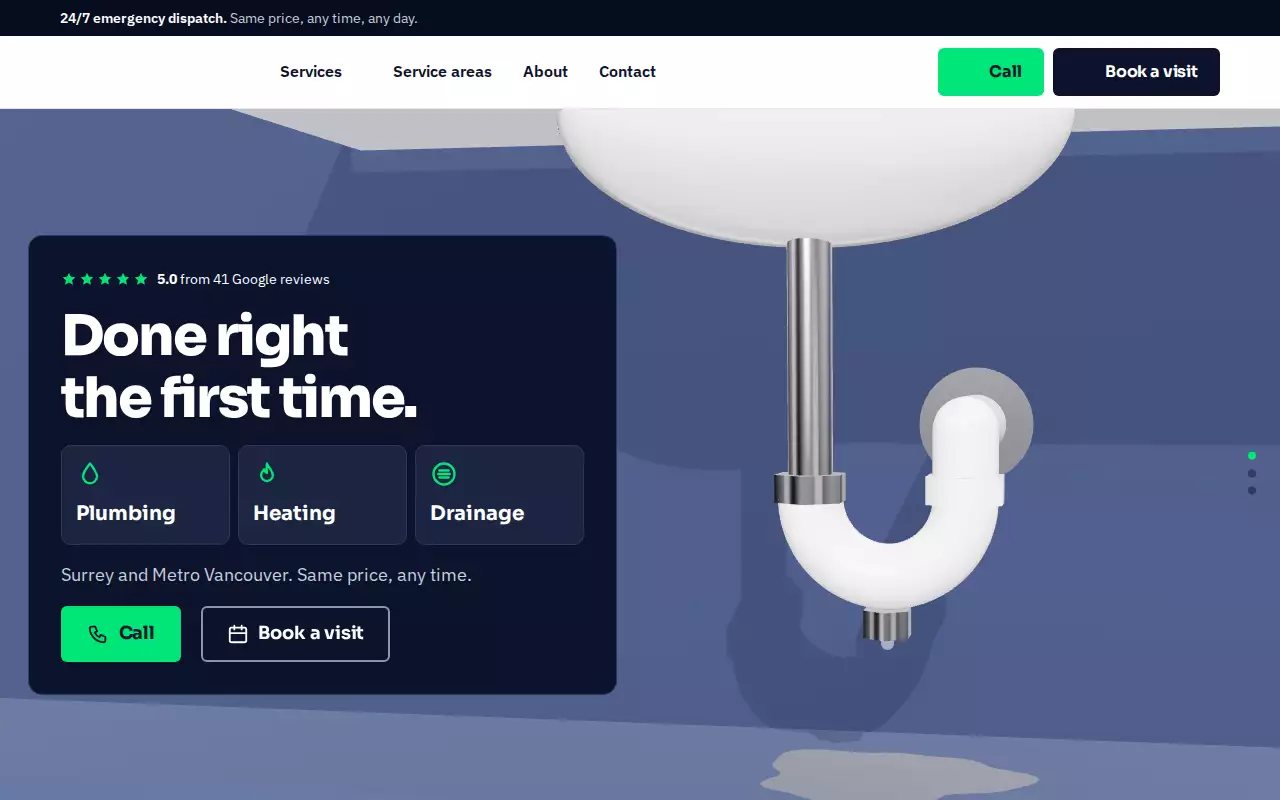
Signs you need this.
- Your website has not changed in years because every edit means waiting on someone.
- Customers cannot book from your site on a phone.
- Your site does not look like your logo, your van or your shop.
- You do not show up when people nearby search for what you do.
- Your photos and reviews live everywhere except your website.
What it does.
The generator
Pages for your home, services, about and area, written from what you tell it and built on your colours and fonts.
Chat edits
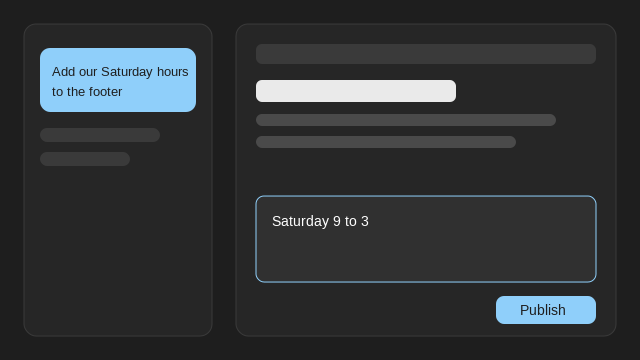
Ask for a change in plain words. The site is rebuilt, you check it, and nothing goes live until you say so.
Publish in one click
Your domain, your site, live when you press Publish. Keep the look locked while the pages change.
Photos and widgets
Add your own photos and drop in booking, reviews, a map or a gallery from the widget library.
Blog posts
Posts written for the searches people in your area make, on a schedule you set.
Booking built in
Every page carries a booking button that lands the visit in your inbox and your calendar.
Change your site by asking.
Type the change in plain words, see it on your live page, then publish in one click.
Every site scores 100 before it goes live.
All four Google PageSpeed scores, on phone and desktop. A site under 100 cannot publish.
- Performance
- Accessibility
- Best Practices
- SEO
Phone and desktop
What goes in, what comes out.
Comes in
- Your logo
- Your services and area
- Your photos
The system
- Clausewit
Goes out
- A live site
- Bookings
- Search traffic
How it works.
Brand
Upload your logo. The palette and fonts come from it.
Pages
Tell it your services and your area. The generator writes and builds the pages.
Check
Look at every page on a phone and a laptop before anything goes live.
Publish
Press Publish and the site is live on your domain.
Change
Ask for edits in the chat whenever your business changes.
About Websites.
Do I need to know how to build a website?
No. You answer questions about your business and ask for changes in plain words. The generator does the building.
Can I use my own domain?
Yes. Your site is published on your own domain, and the domain stays in your name.
What if I do not like a change?
Nothing goes live until you publish it. Ask for something else, or keep the version you had.
Works well with.
Ads
Meta and Google ads written, launched and tracked to the booking, with a health check on every campaign.
Organic
Posts and short videos for Instagram, Facebook, TikTok and Google Business, written and scheduled for you.
AI
An assistant that reads your whole account, answers your customers on your site and picks up your phone.
Guides.
Contract Work Website: What It Needs to Bring in Jobs
Web Design for a Roofing Company: What to Ask For Before You Hire
Contractor Website Design: What Your Site Needs to Win Jobs
Best Lead Generation Websites for Contractors: What Sets Them Apart
Best HVAC Website Design: What the Strongest Sites Get Right
Best Roofing Websites: What the Strongest Ones Do Differently
Contractor Website Services: What to Look For and What to Skip
General Contractor Websites: What They Need and How They Differ
HVAC Website Builder or Custom Design: How to Choose
Roofing Company Website Design: What to Build and What to Skip
Website Builder for Contractors: How to Pick Who Builds Yours
Website Building Companies Near Me: How to Choose One Locally
Website for Contractors: The Pages That Earn the Call
Websites for Plumbers: What the Site Needs to Do
Ready for your free website?
Get your free website, or book a free consulting session if you would rather we run it for you.